
Important note
Correctional communication rules, approved services, fees, schedules, and mail procedures vary by facility and can change. Confirm current requirements directly with the facility or its official communication provider before sending money, mail, photographs, or gifts. Unchained Connections is a public pen-pal directory; it is not a correctional agency, legal or medical service, or messaging provider, and it cannot guarantee that a service is available or that a message will be delivered.
CorrLinks federal and state procedures differ: For federal Bureau of Prisons TRULINCS, the incarcerated person must add your email address and initiate the invitation; check your email and accept the request in CorrLinks. At participating state facilities, outside users may be able to search for and add the person directly without an invitation. Follow the specific state facility’s process.
Provider names and availability: Services and branding vary by facility. GTL is now ViaPath; ConnectNetwork and myViaPath/GettingOut serve different facilities and products. Verify the provider listed by the specific correctional facility before creating an account or adding funds.
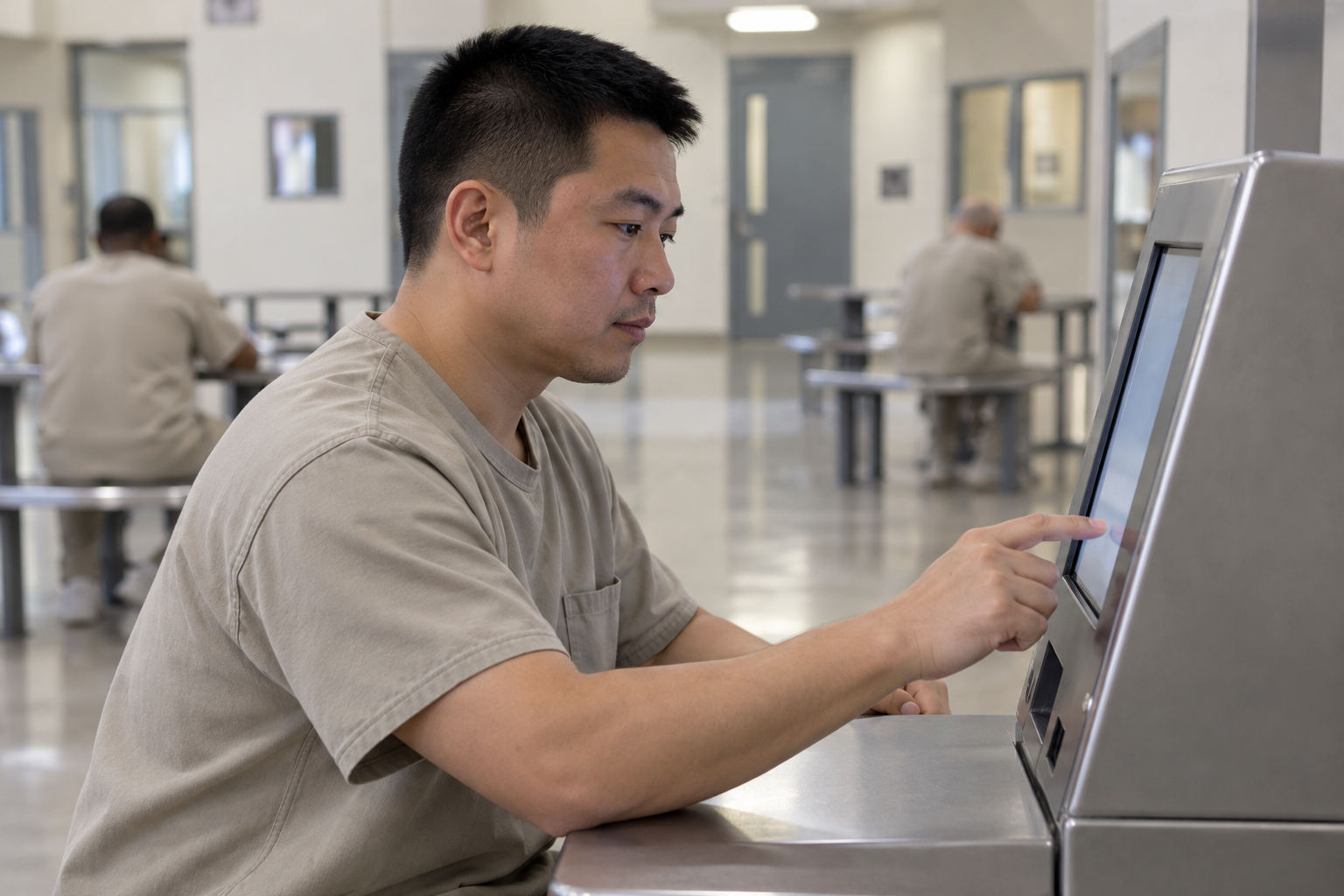
Staying in touch with loved ones who are incarcerated can be facilitated by being aware of and utilizing prison communication programs such as JPay, ViaPath / ConnectNetwork (formerly GTL) (GettingOut / myViaPath), Securus, and Corrlinks. Depending on the prison facility, each of these systems operates slightly differently, but they all provide services like email, video calls, phone calls, and money transfers. Here’s a little explanation to help you utilize and comprehend them:
🔒 GENERAL OVERVIEW
App
Main Services
Used In
JPay
Email, video visitation, money transfers
Many state prisons in the U.S.
ViaPath / ConnectNetwork (formerly GTL)
Messaging, video visitation, calls
State and some county facilities
Securus
eMessaging, phone calls, video visits
State and local correctional institutions
Corrlinks
Email (text-based messaging)
Primarily Federal prisons (BOP), some state
📲 HOW TO USE EACH PLATFORM
- JPay
Website: www.jpay.com
Setup:
Create a free account.
Add the incarcerated person using their state and inmate ID.
Fund your account with stamps (used for sending messages or pictures).
Services:
Email: Text messages with optional photo and video attachments (costs stamps).
Video Visitation: Schedule and pay for video calls in advance.
Money Transfers: Send funds directly to commissary or phone account.
- ViaPath / ConnectNetwork (formerly GTL) / GettingOut / myViaPath
Websites:
www.connectnetwork.com
www.gettingout.com
Setup:
Create an account based on the facility (some use ConnectNetwork, others use GettingOut).
Add inmate and fund your account.
Services:
Messaging: Real-time text chats or delayed messages.
Video Visits: Schedule appointments.
Phone Calls: Fund prepaid phone accounts for the inmate.
Deposits: Send money to commissary or phone account.
- Securus
Website: www.securustech.net
Setup:
Create an account.
Add inmate based on facility and ID.
Purchase stamps or fund account for calls.
Services:
eMessaging: Similar to email, some facilities allow sending photos or short videos.
Phone Calls: You can get a local number to reduce costs.
Video Visitation: At-home or on-site, depending on facility.
- Corrlinks
Website: www.corrlinks.com
Setup:
You can only message an inmate after they invite you by email with a unique code.
Create an account using the invitation code.
Use Corrlinks Premium app (paid) for easier mobile use.
Services:
Email: Text-only messages (no attachments).
No video or phone services – just secure messaging.
Used by the Federal Bureau of Prisons (BOP) and some state institutions.
📌 TIPS FOR USING PRISON COMMUNICATION APPS
Know the Facility’s Provider: Each prison or jail contracts with a specific provider — check the facility’s website or call them to confirm.
Stamps & Fees: Most platforms use a credit/stamp system and fees vary by service (e.g., emails, photos, videos).
Schedule Ahead: Video visits often need to be booked in advance and may require approval.
Stay Professional: All messages and calls are monitored. Avoid inappropriate language or discussions.
✅ COMPARISON CHART
Feature
JPay
ViaPath / ConnectNetwork (formerly GTL)/GettingOut
Securus
Corrlinks
Messaging
✅ Chat/Messaging
✅ eMessaging
Photos/Videos
✅ Photos/Videos
✅ Photos
✅ Photos
❌
Video Visitation
✅
✅
✅
❌
Phone Calls
❌ (via partner)
✅
✅
❌
Commissary Deposit
✅
✅
✅
❌
Used in Federal Prisons
❌
❌
❌
✅
If you let me know which facility or state you’re working with, I can tailor this guide more specifically for your needs.
Official guidance
- Federal Bureau of Prisons: Communication with people in custody
- Federal Bureau of Prisons: Facility directory
- For state and local facilities, use the correctional agency’s official website and the facility’s current instructions.
This article is general information, not legal, medical, financial, or professional advice.